































Apple
- iPhone
- iPad
- Mac
- Apple TV
iPhone, iPad, Mac, Apple TV, Android
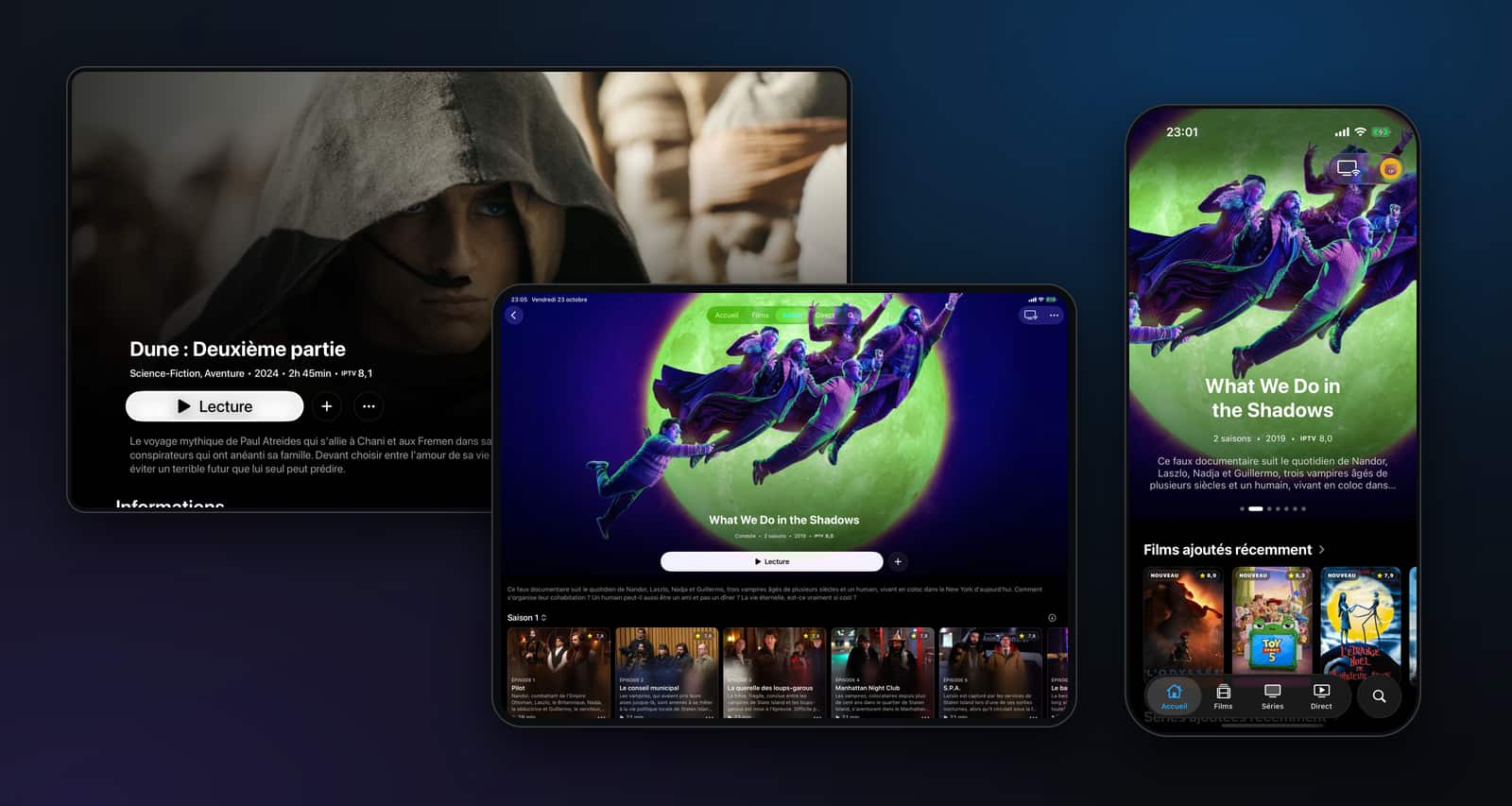
Add your Xtream account or M3U playlist: live channels, TV guide, movies and series, laid out like a streaming service.
Features
From live TV to tonight’s movie, one app for your subscription.
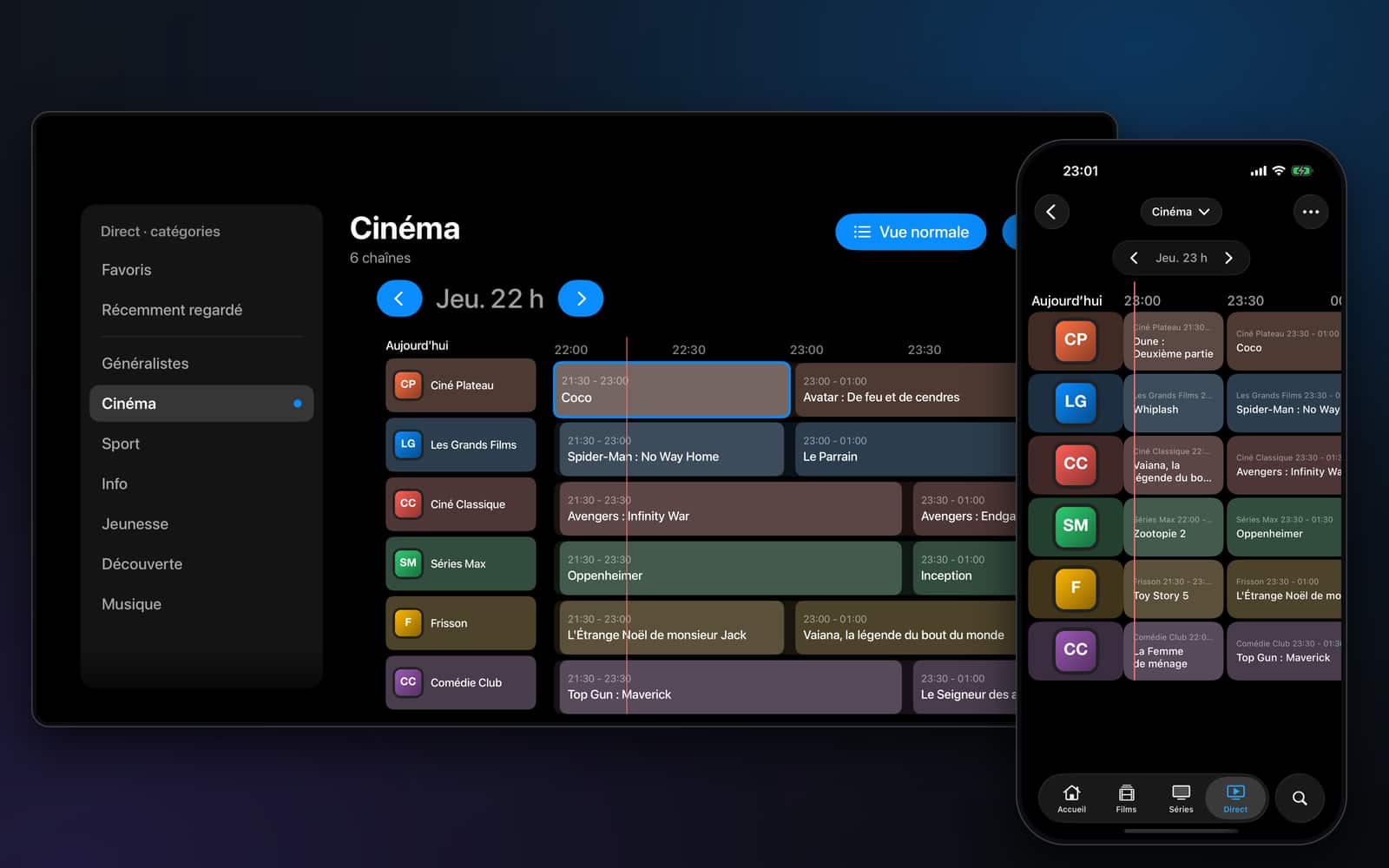
TV guide
The program grid of all your channels, with the details of each show.
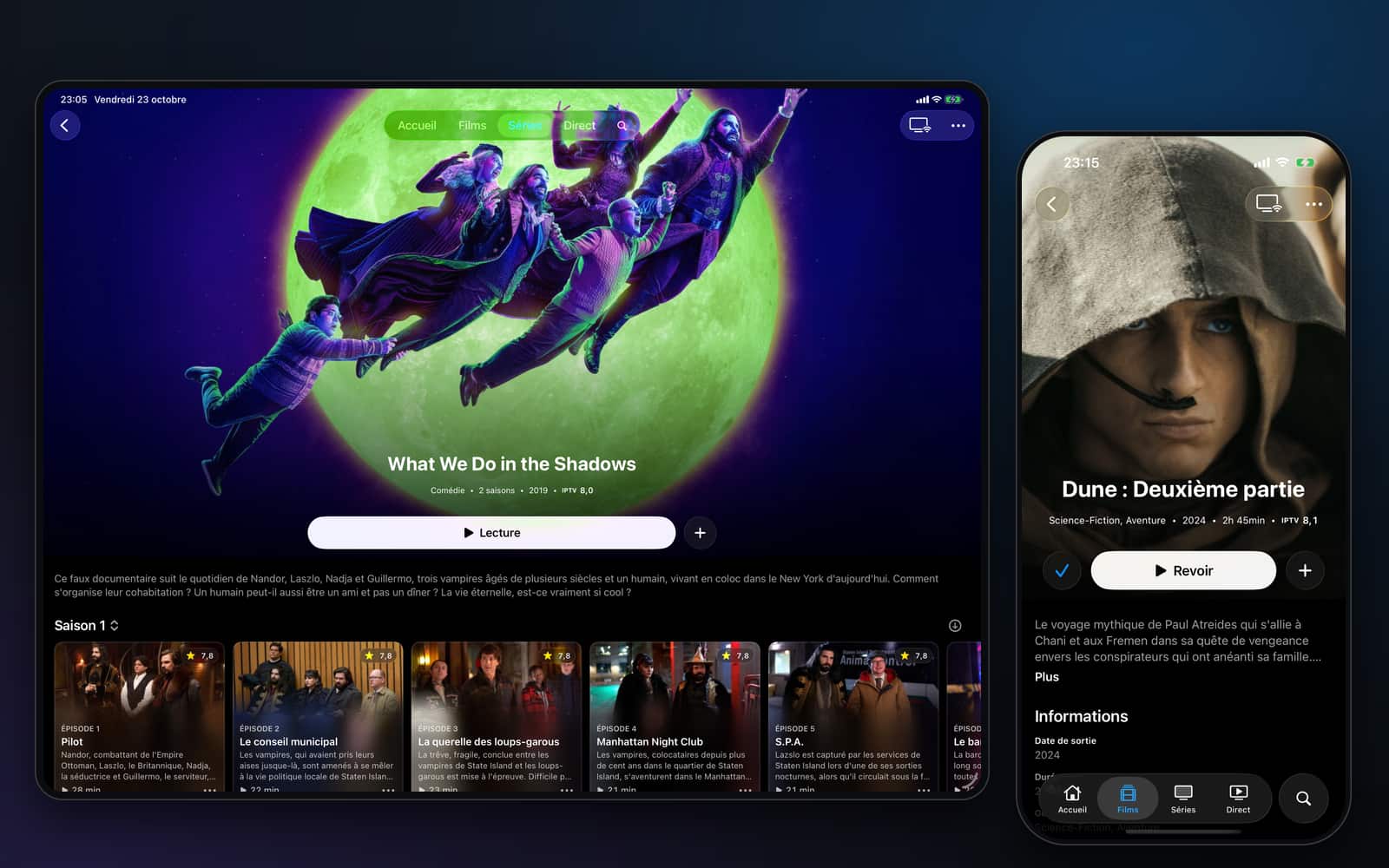
Movies and series
Every movie and every series has its own page, like on a streaming service.
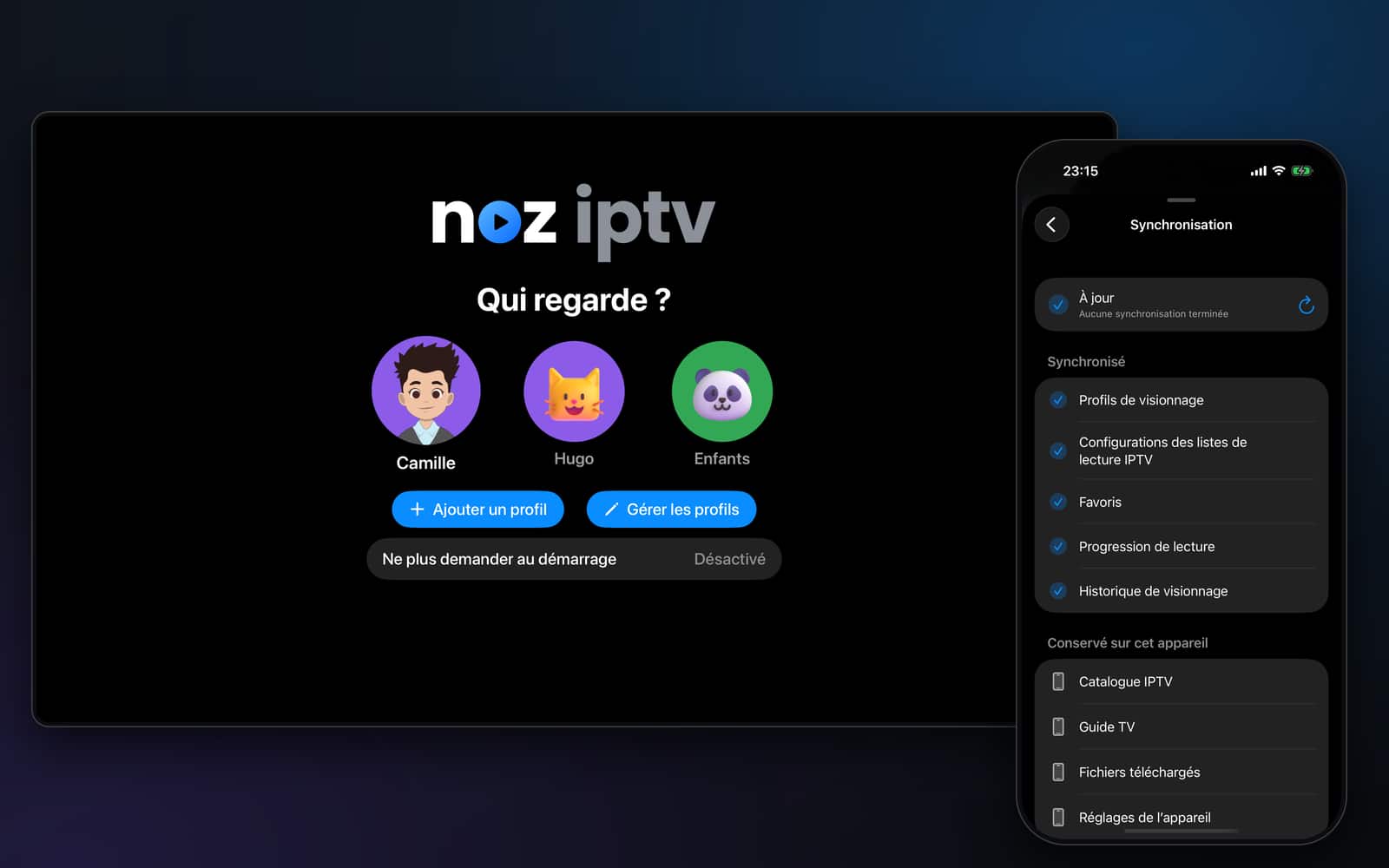
Profiles and sync
Favorites, progress and history belong to each profile, on all your devices.
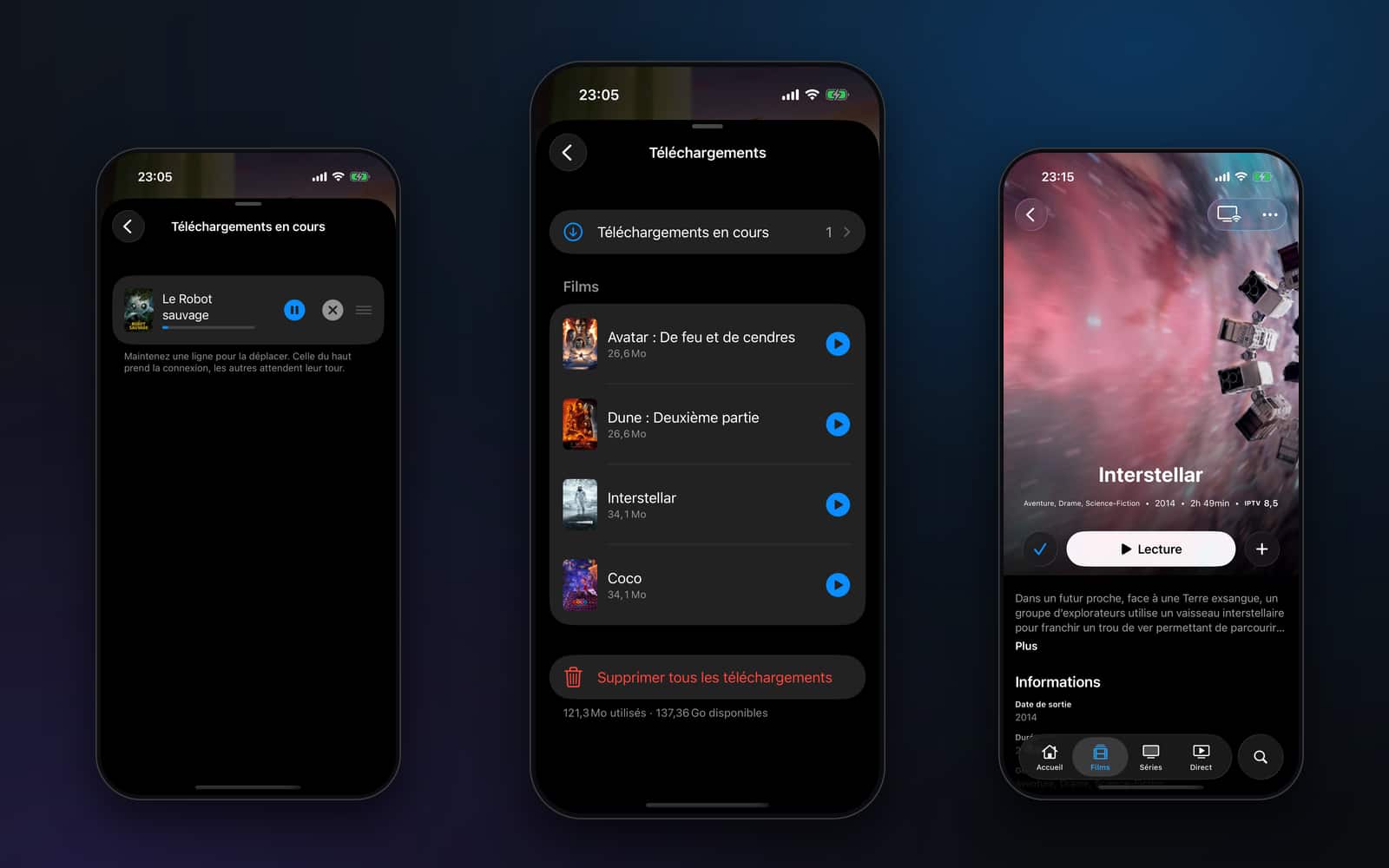
Offline
Movies, episodes or whole seasons, with a simple queue.
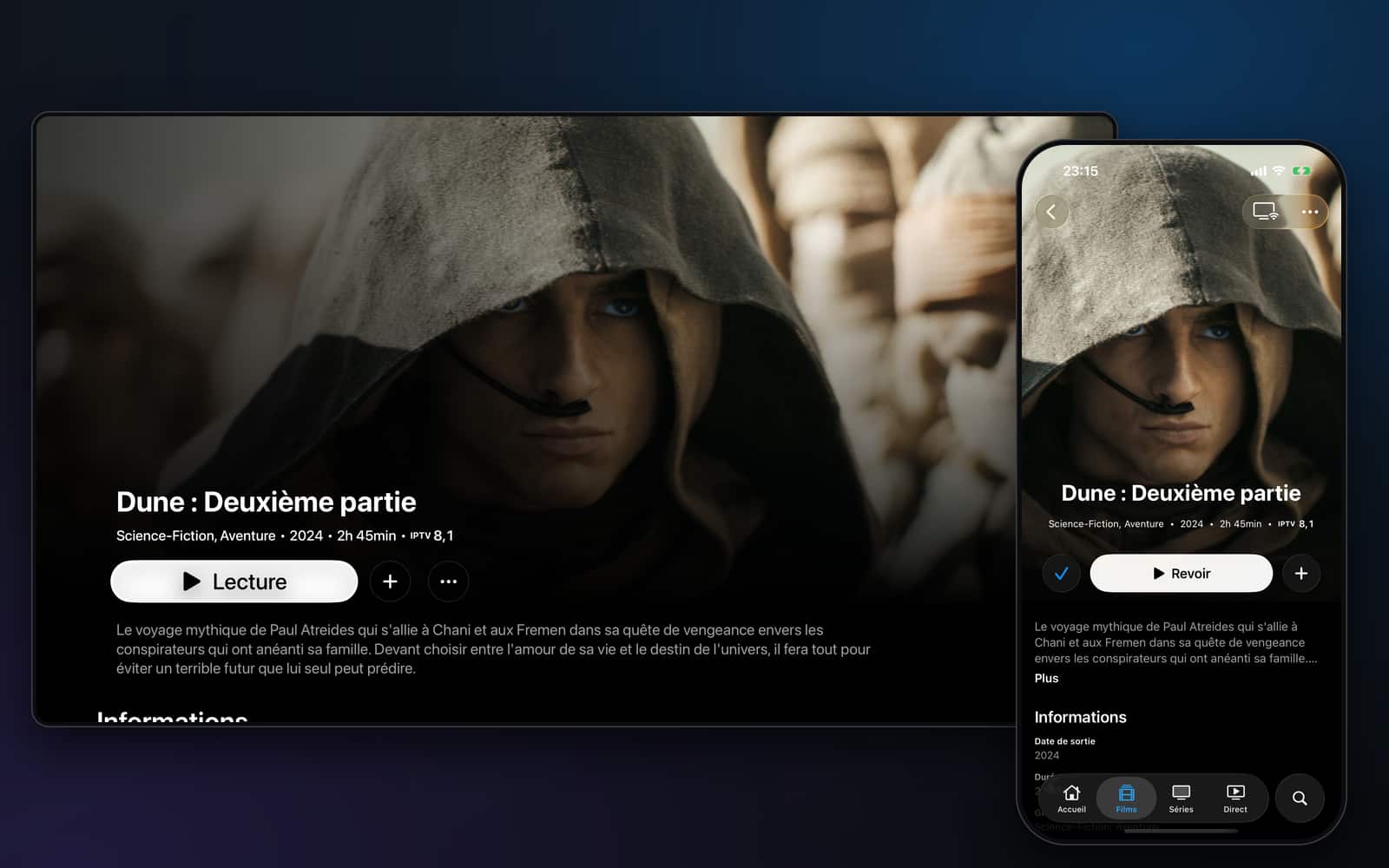
Cast to TV
Send playback to a TV running Noz IPTV, or use AirPlay.
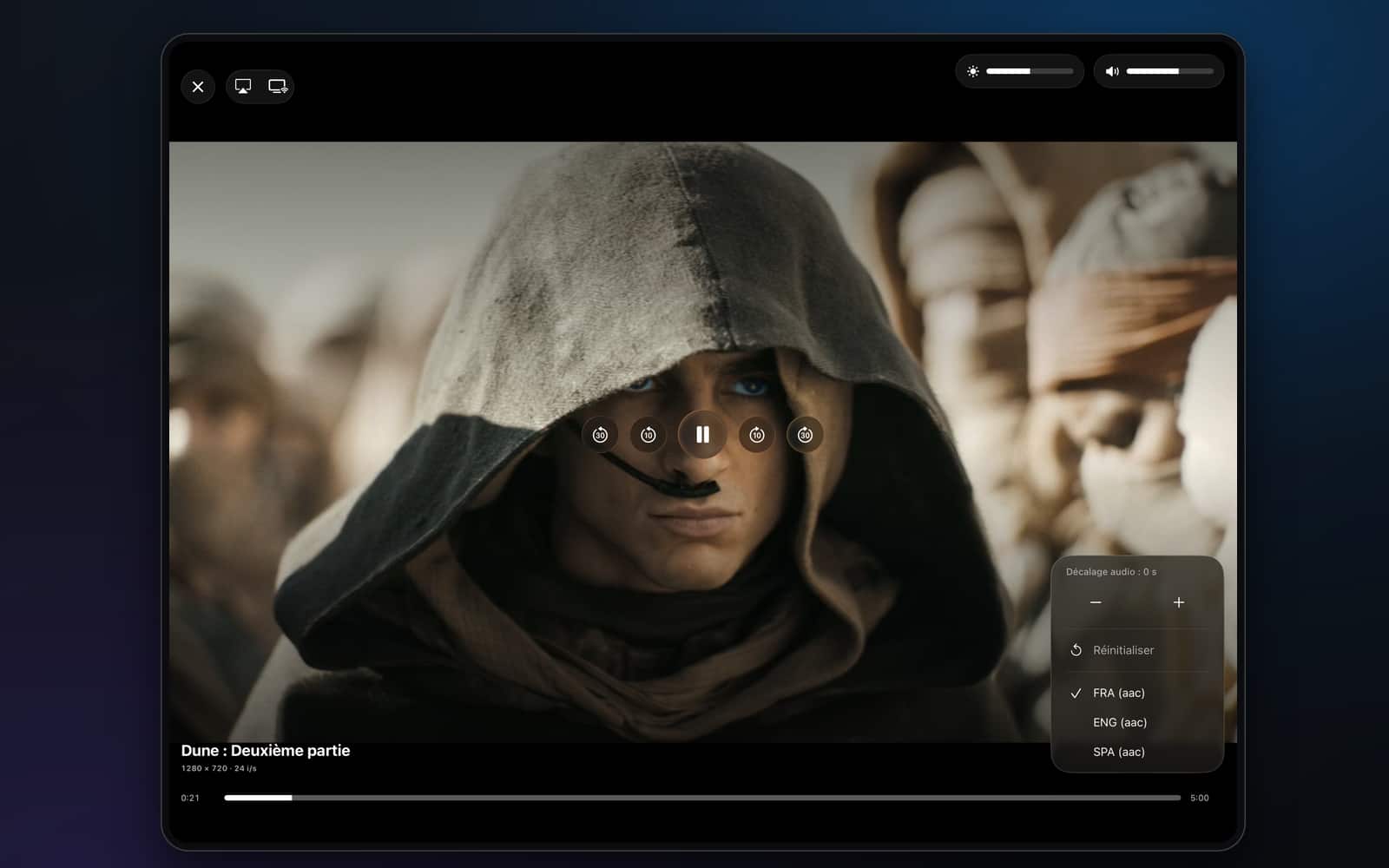
Player
Pick your tracks and tune playback to your taste.
Search and favorites
One search for channels, movies and series, and your favorites sorted by tags.
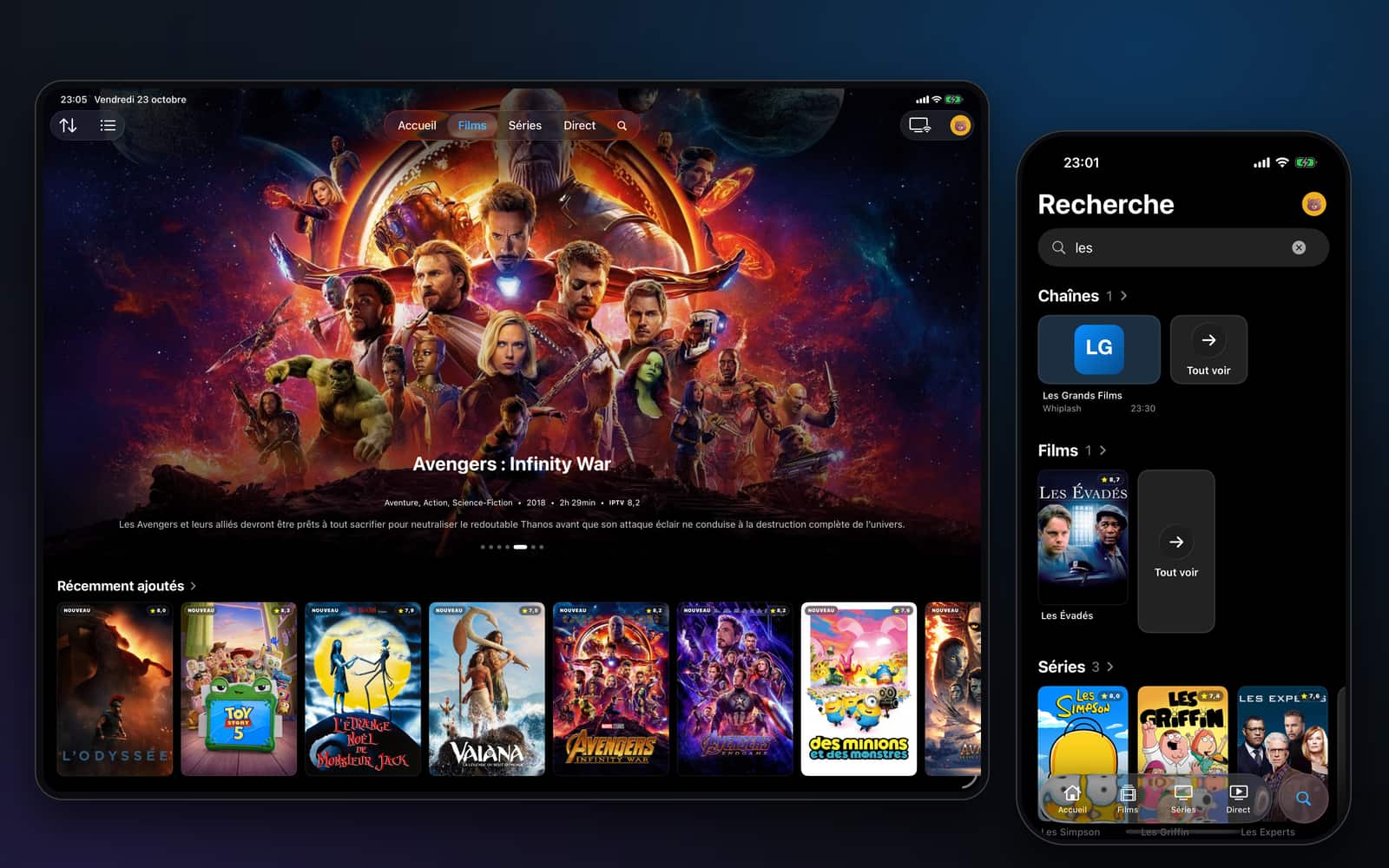
Devices
Install Noz IPTV where you watch, sign in, and everything is already there.
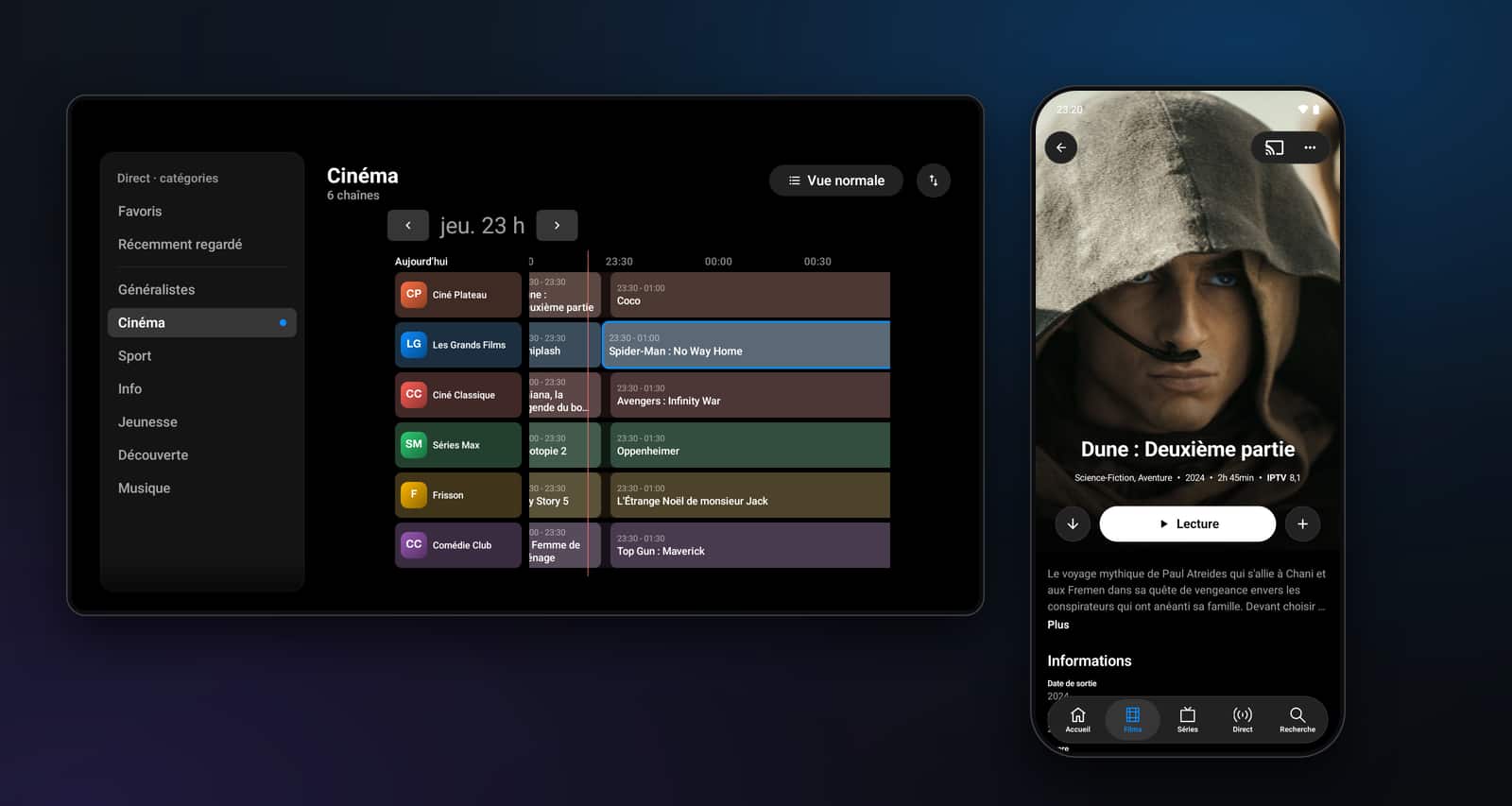
Noz IPTV provides no channels or content: you use your own IPTV subscription.
Noz+
Your current plan
€0, no ads
Coming soon
Price announced at launch
FAQ
No. Noz IPTV is a player: it plays the IPTV subscription or playlist you already have. It provides no channels, movies or series.
In the app, add your Xtream account (server address, username and password) or the address of your M3U playlist, plus your XMLTV guide if you have one. Your playlists are then found again on every device signed in to the same account.
Xtream accounts, M3U playlists and XMLTV guides.
iPhone, iPad, Mac and Apple TV, plus Android phones and tablets, Android TV, Google TV and Fire TV.
Yes: Noz IPTV is free and has no ads, with all its features. Noz+ is an upcoming plan (several profiles, sync across devices, offline downloads), with a price announced at launch. Nothing is locked in the meantime.
They are encrypted and never leave your account in clear text.
In the app, with a QR code or a 6-digit code. This is done in the app only, not on this website.
In the app (Settings, then Account), you confirm with your password, or by signing in again with Apple or Google if your account only uses them. On the “Delete my account” page of this website, a password account confirms with its password, and an Apple or Google account receives an e-mailed confirmation link, valid for 1 hour, to open in the browser where you are signed in. The deletion is final.
Free, no ads. Only your playlist is missing.